Say it.
Dictate a task instead of typing. Optional Voice Capture lets you speak a list and review the drafts before saving.
 shasks
The everyday things. The big plans.
Capture naturally. Finish projects. Build routines.
A little room for everything your day holds.
For iPhone, iPad, and Apple Watch · iOS 26 or later.
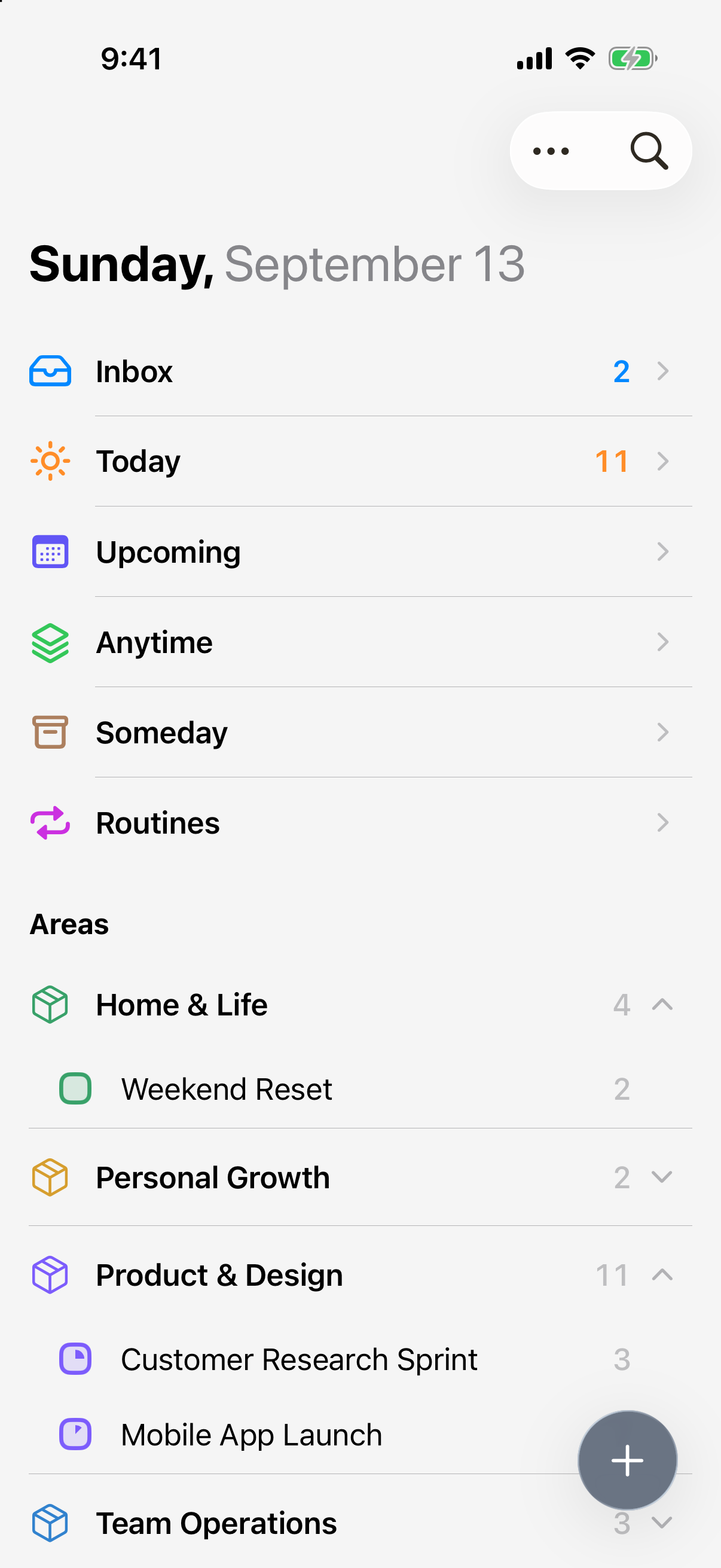
The whole picture, in one place.
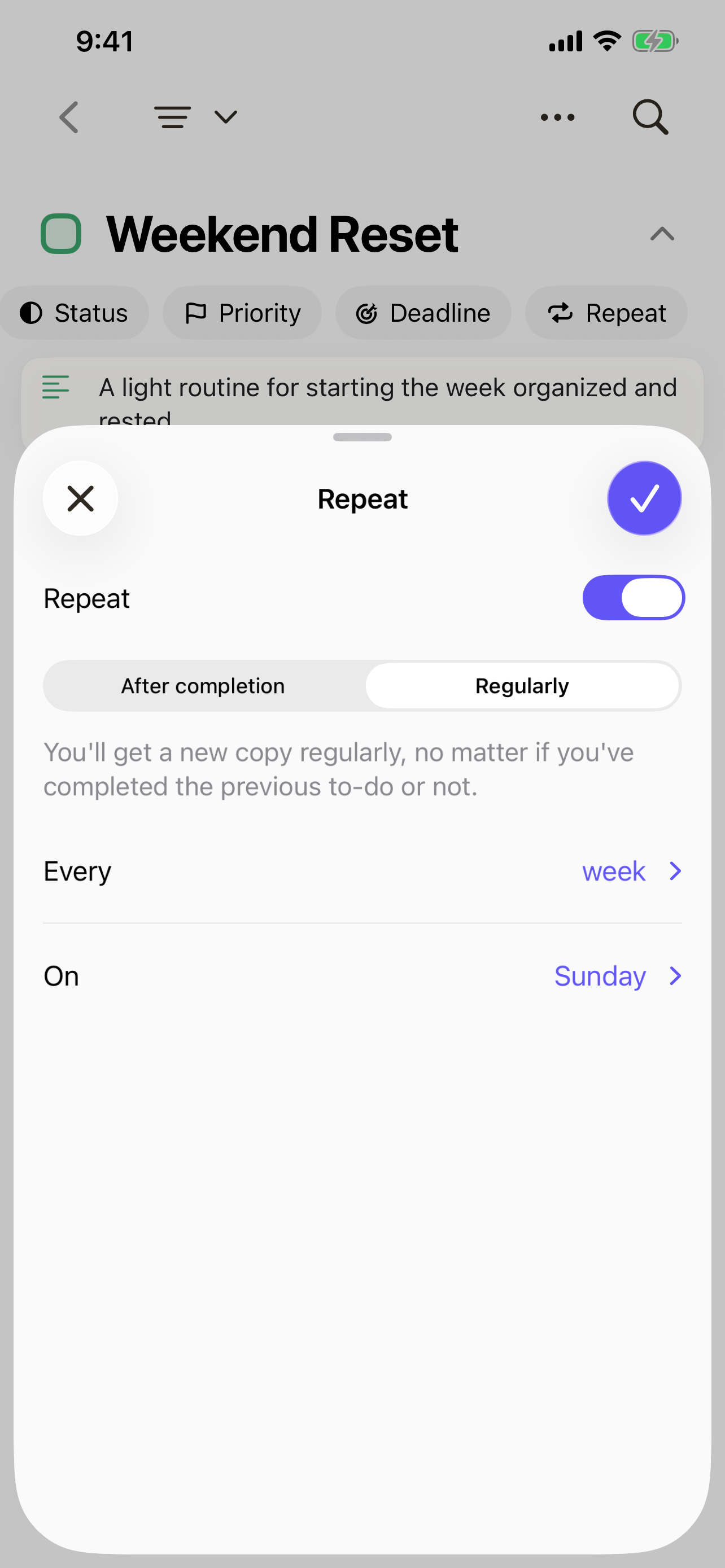
A weekly review. A monthly checklist. A fresh start every Sunday. Give a project its tasks, sections, and deadlines, then complete the whole project when the work is done.
For the plans you come back to, set the project to repeat. Its template tasks and sections are ready for the next round.
Repeat on a regular date, or let the next date start from when you finish.
Write it the way it comes to mind. Shasks recognizes dates, times, deadlines, and priorities as you type, so the details come together with the thought.
Plan review tomorrow p1 3pm
Use # for an existing list and @ for an existing tag. Review the recognized details before saving.
Open Quick Capture from Inbox. Type “plan review tomorrow p1 3pm.” Shasks recognizes Tomorrow, 3:00 PM, and High Priority. Save the task, then open it to review those details.
Dictate a task instead of typing. Optional Voice Capture lets you speak a list and review the drafts before saving.
Turn links, text, photos, and files from other apps into tasks using the iOS Share sheet.
Add notes, checklists, photos, and files so everything you need stays with the task.
Give your most-used task settings a shortcut. Combine a date, priority, list, and more, so your next task starts with the details you choose.
Keep up to five shortcuts, and choose which ones appear around the add button.
To use a shortcut, drag the + onto Inbox, keep holding, then slide to your target and release.
Open the Tomorrow shortcut in Inbox Shortcuts. Add High Priority to its existing Tomorrow schedule. Return to the shortcut list, where Tomorrow now carries both defaults. This clip shows shortcut setup.
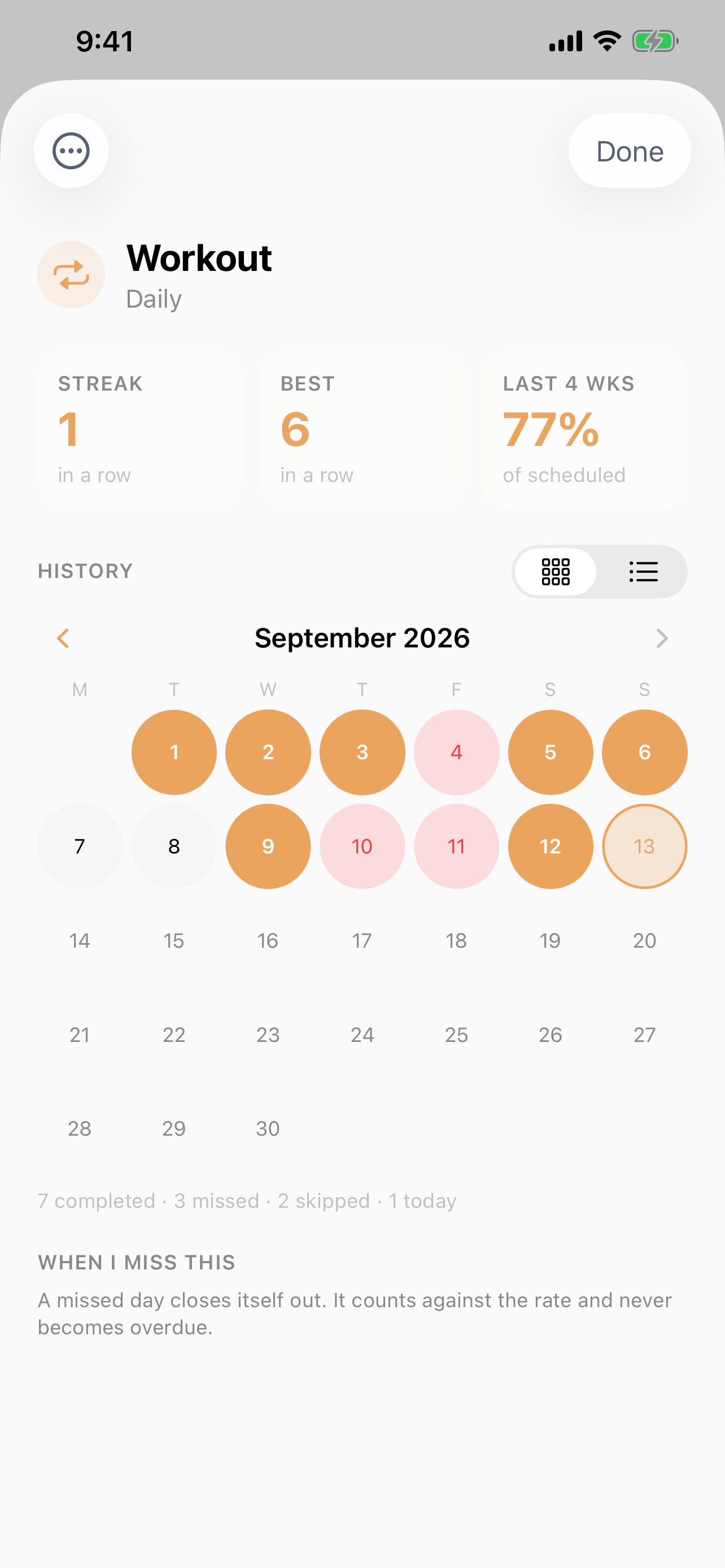
A checkbox tells you about today. Routine history, streaks, and completion rates help you see how the weeks are going.
Keep the routines you want to build alongside the tasks and projects you need to finish.
A regular schedule keeps its place on the calendar.
After-completion repeats take their next date from the work you just completed.
Both repeat styles are available for tasks and projects.
You don’t have to look at everything to move something forward. Bring today’s tasks and projects into one quiet view. Keep the rest organized in areas and projects, with Upcoming, Anytime, and Someday ready when you need them.
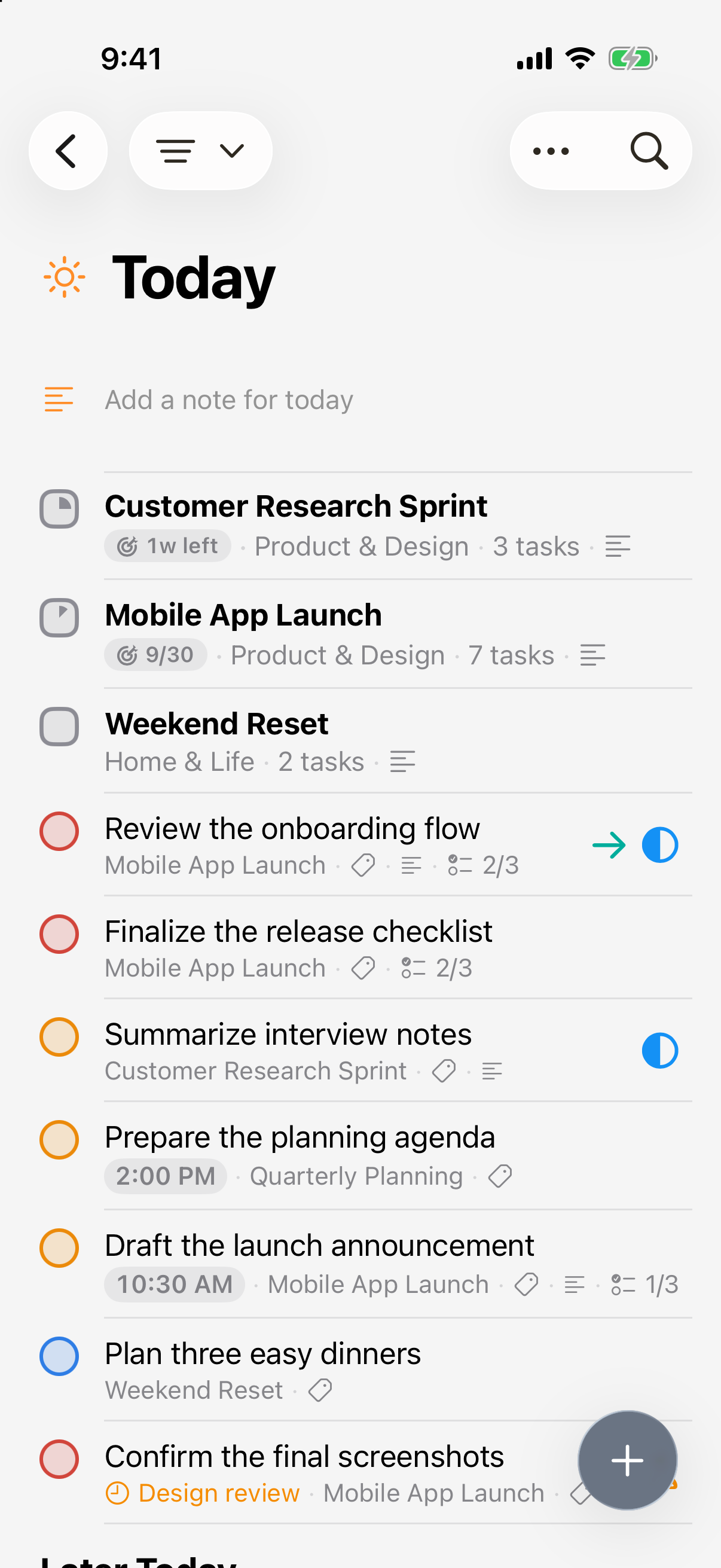
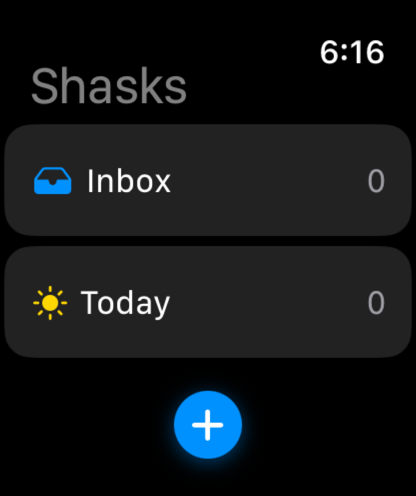
Capture a thought on your phone. Check what’s next from your wrist. Keep Shasks close in the way that fits your day.
Check Inbox and Today, or capture a task without reaching for your phone.
A native Mac app is on the way. It isn’t available to download yet.
Start with one thing on your mind.
There’s a place for it here.